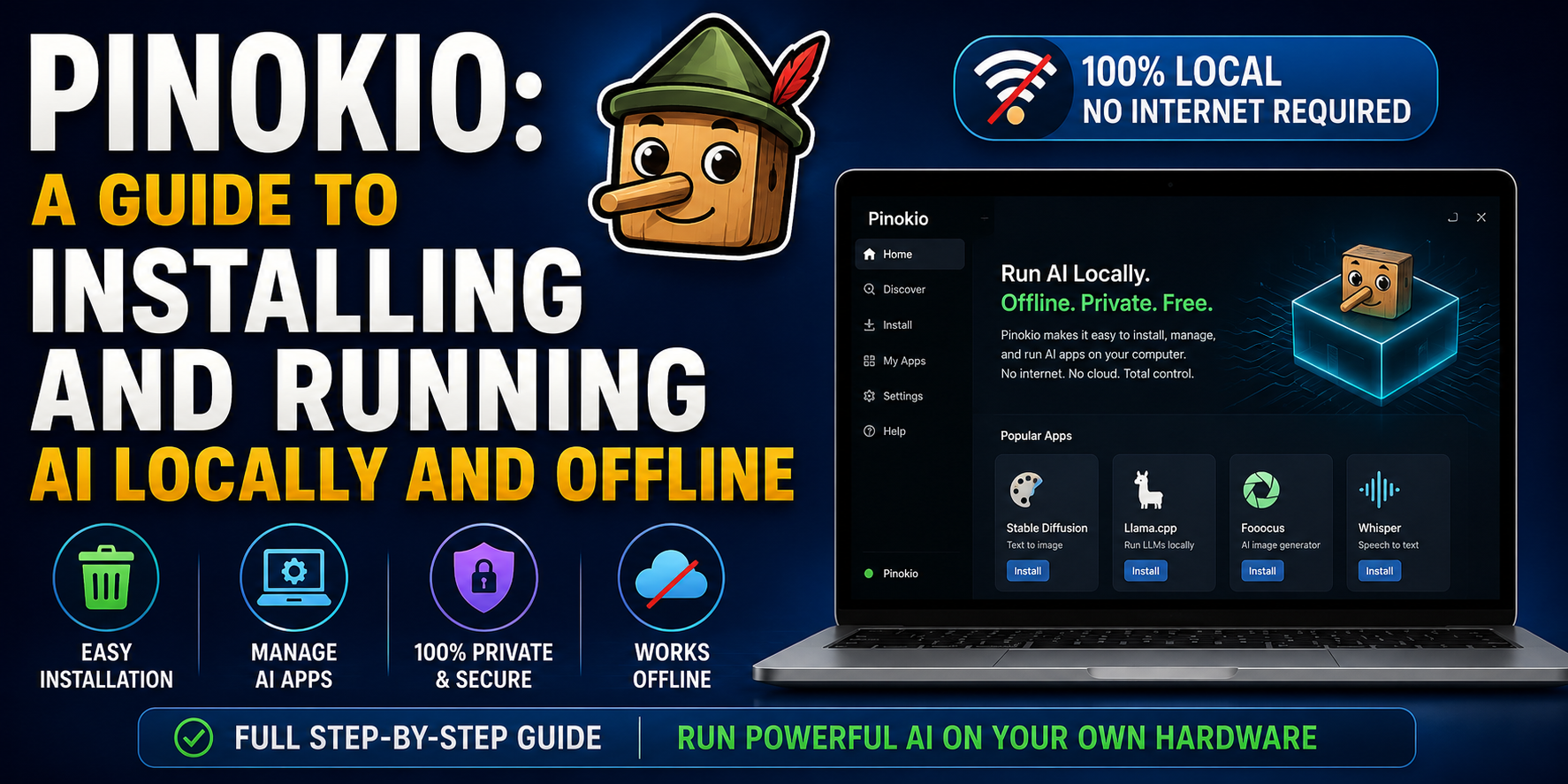
Tired of cloud subscriptions and privacy concerns? Discover Pinokio, the simple 'AI Browser' that lets you install and run powerful AI models—like LLMs and image generators—directly on your own computer, completely offline and with no coding required.
Tired of restrictive AI models and expensive subscriptions? Here is how to take back control of your AI experience by running it right on your own hardware.
What is Pinokio?
If you have ever tried to run Stable Diffusion, LLMs (Large Language Models), or other AI tools, you know the frustration: "dependency hell." Trying to install Python, manage environment variables, and clone Git repositories can be a nightmare.
Pinokio is an "AI Browser." Its sole purpose is to automate the installation and management of complex AI applications. With one click, it handles the downloads, configuration, and environment setup, allowing you to run powerful AI models locally on your PC—no coding required.
Why Run AI Locally?
- Privacy First: Your data never leaves your computer. No cloud processing, no "training" on your private information.
- No Censorship: Local models are generally uncensored. You have total freedom over what you generate and how you prompt.
- Offline Access: Once the model is downloaded, you don’t need an internet connection to run it.
- Zero Subscription Fees: No monthly charges for Pro accounts. You pay only for the electricity your GPU uses.
How to Get Started (Step-by-Step)
1. Download and Install
Visit the official Pinokio website. Download the installer for your OS (Windows, macOS, or Linux). Follow the standard installation prompts just like any other desktop app.
2. Explore the Script Store
Once you open Pinokio, you’ll be greeted with a "Home" page that functions like an App Store. This is a curated list of scripts that will automatically install specific AI tools for you. You can find everything from image generators (Stable Diffusion) to text models (Ollama/LLaMA).
3. "One-Click" Install
Select the AI tool you want to try. Click Install. Pinokio will automatically pull the necessary repositories, install dependencies, and create the environment. You just sit back and wait for it to finish.
Hardware Reality Check
Running AI locally is hardware-intensive. Before you start, be aware of the minimum requirements:
- GPU (Graphics Card): This is the most important part. An NVIDIA GPU with at least 8GB of VRAM is highly recommended.
- RAM: 16GB is the absolute minimum; 32GB or more is preferred for larger models.
- Storage: AI models are huge. Expect to need 50GB to 100GB+ of free space on an SSD. Do not install these on an old HDD.
The Bottom Line
Pinokio has effectively democratized AI. It removes the barrier to entry that has historically prevented non-programmers from using state-of-the-art open-source AI. Whether you are using AI for creative projects, coding assistance, or private experimentation, Pinokio is arguably the most streamlined way to start.