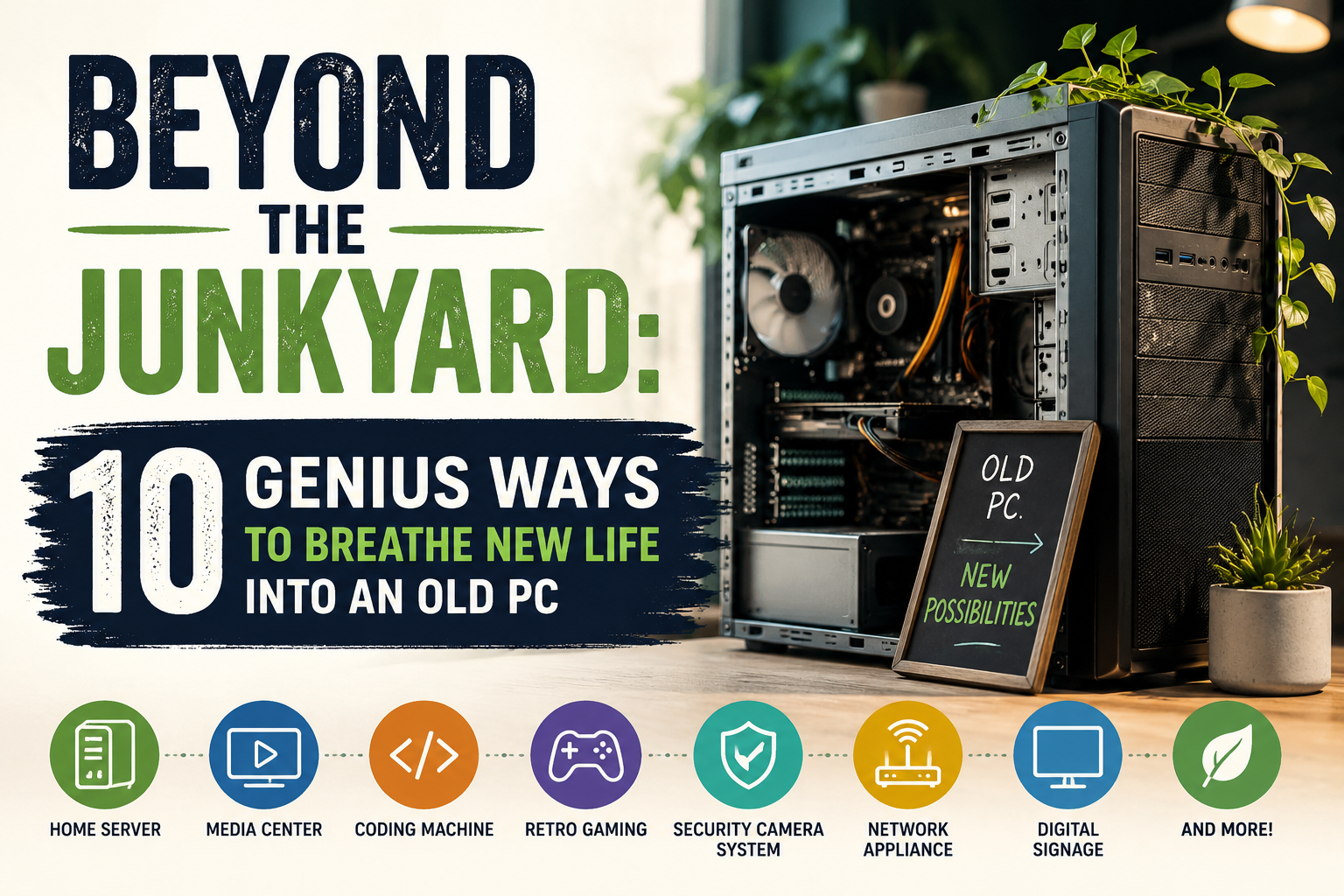
Don't send your aging computer to the landfill just yet! From building a home media server to creating a dedicated retro gaming console, discover 10 creative and practical ways to give your old PC a second life.
Just because a computer is too slow for modern tasks doesn't mean it belongs in the trash. From home servers to retro gaming consoles, here is your guide to repurposing aging hardware.
Phase 1: Revive it as a Daily Driver
If the PC isn't "broken"—just sluggish—the issue is likely Windows bloat. You can make an old PC feel "snappy" again by switching the operating system.
1. Switch to ChromeOS Flex
Google offers an official version of ChromeOS that installs on virtually any PC. It is lightweight, secure, and perfect for web browsing. You can download the ChromeOS Flex USB Creator and turn your old laptop into a fast Chromebook.
2. Try a Lightweight Linux Distro
Windows 10/11 is heavy; Linux is not. Distros like Lubuntu or Linux Mint XFCE are designed to run on hardware from 10+ years ago. They keep your machine fast and secure without the telemetry-heavy overhead of Microsoft’s OS.
Phase 2: The "Home Server" Transformation
Your old PC can run 24/7 as a service provider for your home network. This is where older hardware shines.
3. Build a Media Server (Plex or Jellyfin)
Install Plex or Jellyfin. These tools turn your PC into your own personal "Netflix." You can stream your movie and music library to your smart TV, phone, or tablet from anywhere in the house.
4. Network-Wide Ad Blocker (Pi-hole)
Install a Linux distribution and run Pi-hole. It blocks ads at the network level, meaning every device connected to your Wi-Fi (phones, smart TVs, tablets) will have ads stripped away before they even load. It significantly speeds up your internet experience.
Phase 3: For the Gamer & Tinkerer
5. Dedicated Retro Gaming Station
Use Batocera or RetroArch to create a dedicated console. These software suites turn a PC into a dedicated machine that boots directly into an emulator interface, allowing you to play thousands of games from the 80s, 90s, and 2000s.
6. Learn Server Management
Use this machine to learn the ropes of IT. Host a personal website, a Minecraft server, or a cloud file storage system (using Nextcloud). It is the perfect, low-stakes way to practice server administration.
Phase 4: The Responsible Exit
If the PC is beyond saving (e.g., hardware failure), don't put it in the regular trash.
- Donate: Check with local schools or community centers. They often have programs to refurbish older tech for students.
- Recycle (e-Waste): Never throw lithium batteries or circuit boards in landfill. Search for "E-waste recycling near me" to find local drop-off centers that safely extract metals and dispose of hazardous components.
- Extract the Parts: Even if the motherboard is dead, the hard drive might be usable as an external storage drive (if you buy a cheap USB enclosure), and the RAM or WiFi card might be useful for a friend’s repair project.